

How to Remove a Payment Method
You can remove outdated or unused payment methods from your account.
Billing during Early Release
Plan changes and billing are paused during Early Release. Payment method management may be hidden while the pause is on.
On the web
- Sign in and open Subscription (
/account/subscription). - Under Payment Methods, select the method you want to remove.
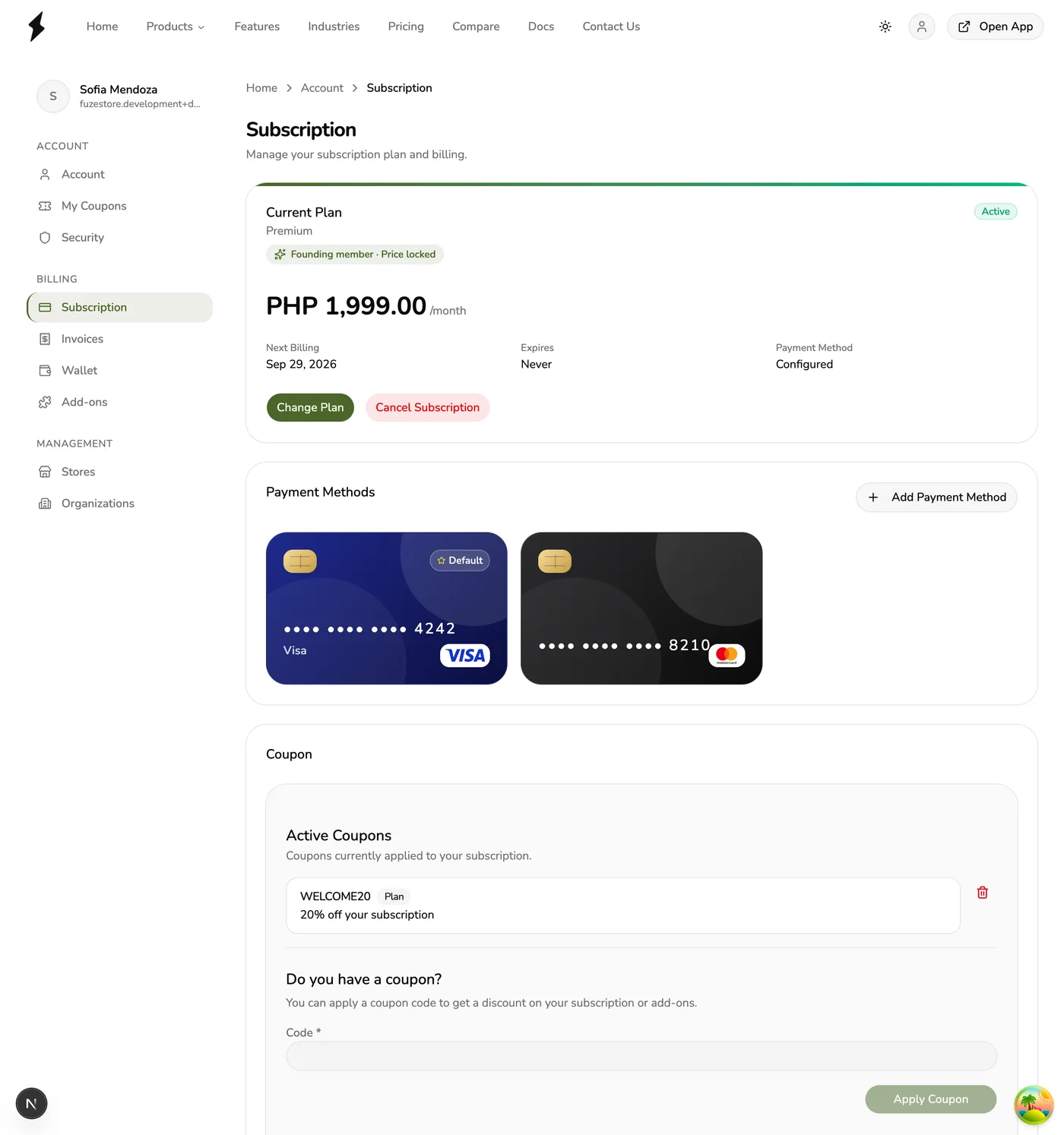
- Select Delete Payment Method.
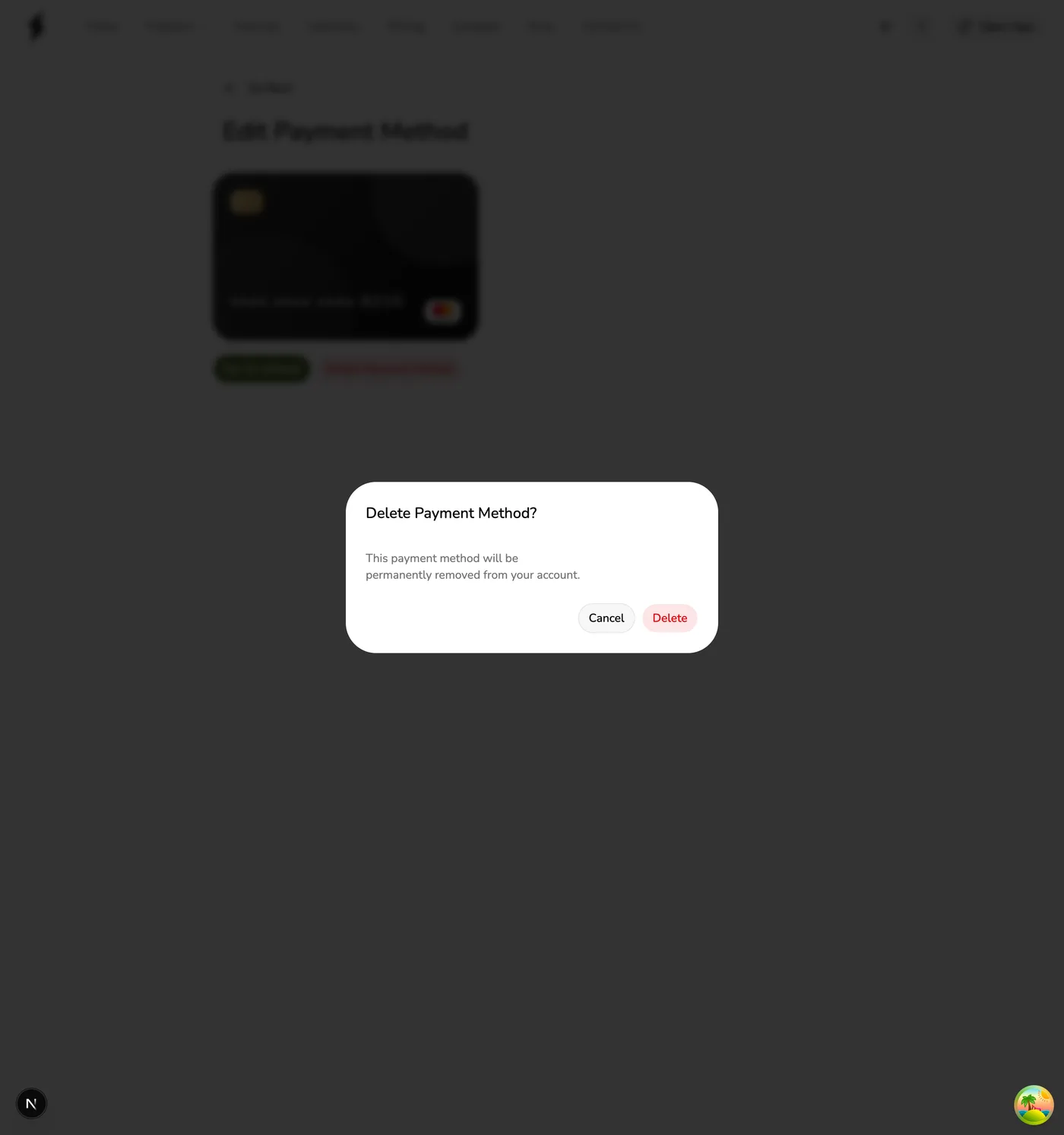
- Confirm when prompted.
In the app
- Open the main menu → Account → Subscription.
- Open the payment method (detail route under
/account/subscription/payment-methods/…). - Tap Delete Payment Method.
- Confirm with Delete Payment Method in the dialog.
Important
- If you remove your default method, set another card as default before the next renewal.
- If you have no saved default payment method, paid add-ons that already ran out their paid period will not renew on the plan invoice (they ride out, then lapse). Your plan may also fail to renew until a card is added again. Removing a card does not wipe store history.
- You can add a payment method again at any time when the control is shown.