

Inventory Management Overview
Fuze Store has two layers of stock tools. Basic product stock is available on every store. Multi-location inventory ops need the paid Inventory Management add-on.
Basic stock does not need the add-on
Turning on Manage Inventory on a product, setting quantity and a low-stock level, and letting the register deduct stock on sale all work without the Inventory Management add-on. You manage that from the product form (and product list badges), not from the Inventory module in the app drawer.
Built-in product stock (every store)
| Feature | What it does |
|---|---|
| Manage Inventory | Per-product toggle on the product form Inventory tab. |
| Quantity on hand | Starting stock when you create a product; updates as you sell. |
| Automatic deduction | Stock decreases (or reserves) when you ring up a sale at the store's default sale location. |
| Low-stock level | Per-product threshold; low-stock products are flagged on the product list. |
| Low-stock email alerts | Optional digest from Preferences → Product when notifications are turned on. |
See Stock Tracking and Low-Stock Alerts & Auto-Reorder for the day-to-day product flow.
Inventory Management add-on
Not included in the free trial
Inventory Management is one of the few add-ons not unlocked during a free trial (Organization Management is the other). To use it, enable the add-on when a saved payment method is on file — add-ons are not limited to paid plan tiers.
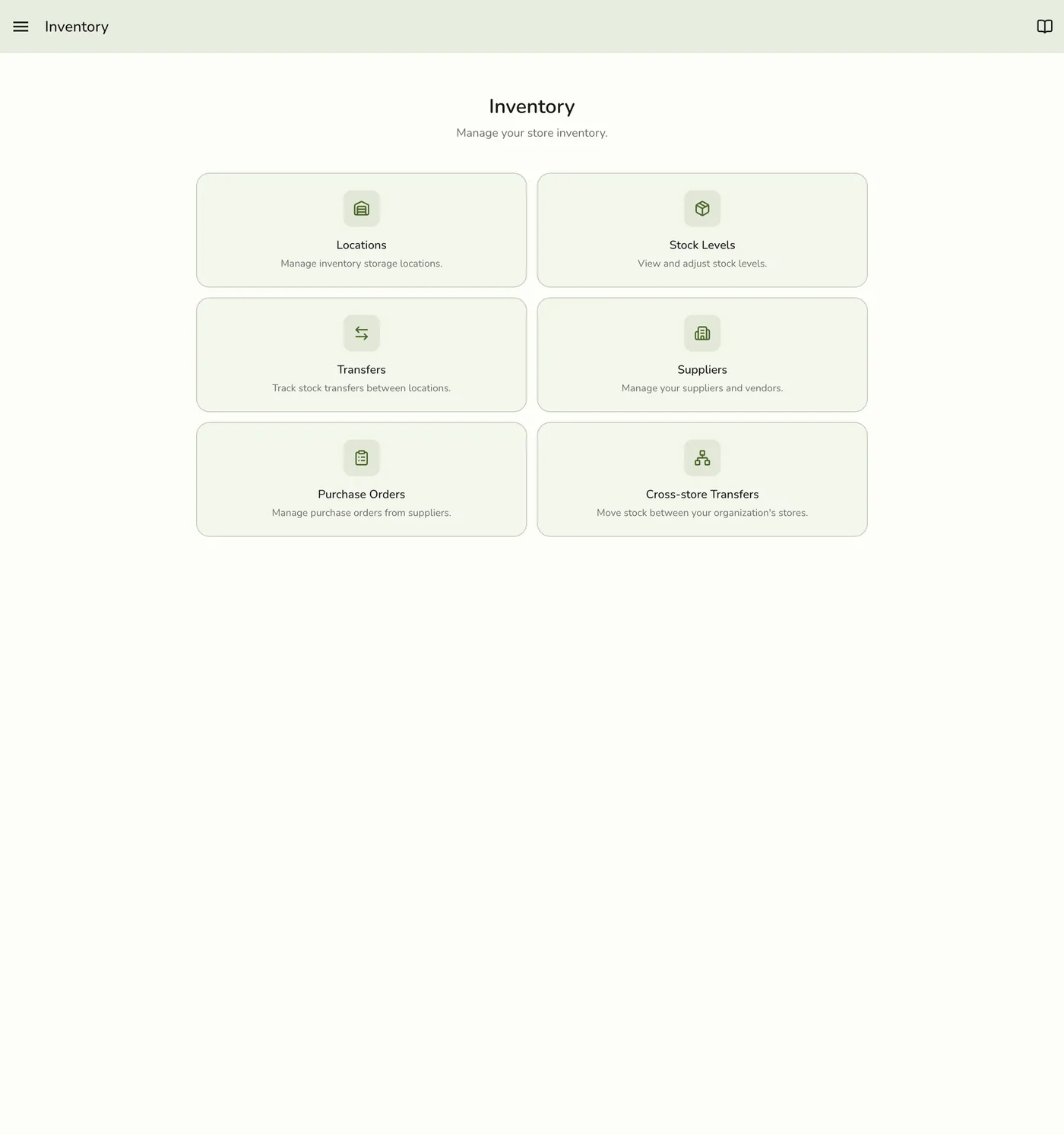
The add-on unlocks the Inventory module in the app (drawer hub) and the multi-location operations built around it:
| Feature | What it does |
|---|---|
| Stock Levels screen | Cross-location stock overview for tracked products. |
| Locations | Warehouses, store fronts, and backrooms beyond the default sale location. |
| Stock Transfers | Move stock between locations in the same store. |
| Cross-store Transfers | Move stock between stores in an organization (also needs Organization Management). |
| Purchase Orders | Order stock from suppliers and receive it in. |
| Suppliers | Supplier directory used by purchase orders and auto-reorder. |
| Stock Counts | Physical counts to reconcile system vs. shelf. |
| Stock adjustments | Audited quantity corrections from the Inventory module. |
| Auto-reorder | Draft purchase orders when stock crosses a reorder point. |
How stock works day to day
- On a product, turn on Manage Inventory and set the initial quantity (and optional low-stock level).
- When a cashier rings up an order that includes the product, the system deducts (or reserves) stock at the default sale location.
- You can check quantity on the product detail screen anytime.
- With the Inventory Management add-on, use the Inventory hub for transfers, POs, counts, and multi-location stock.
Getting started
Without the add-on
- Enable Manage Inventory when creating or editing a product.
- Set initial quantities and low-stock levels.
- Optionally turn on low-stock email alerts under Preferences → Product.
With the Inventory Management add-on
- Open Inventory from the app drawer.
- Add locations if you need more than the default sale location.
- Use transfers, suppliers, purchase orders, and counts as needed.
- Turn on auto-reorder under Preferences → Product if you want drafted POs.