

Managing Organization Members
You can invite team members to your organization and assign them roles that control their level of access across your stores.
Inviting a Member
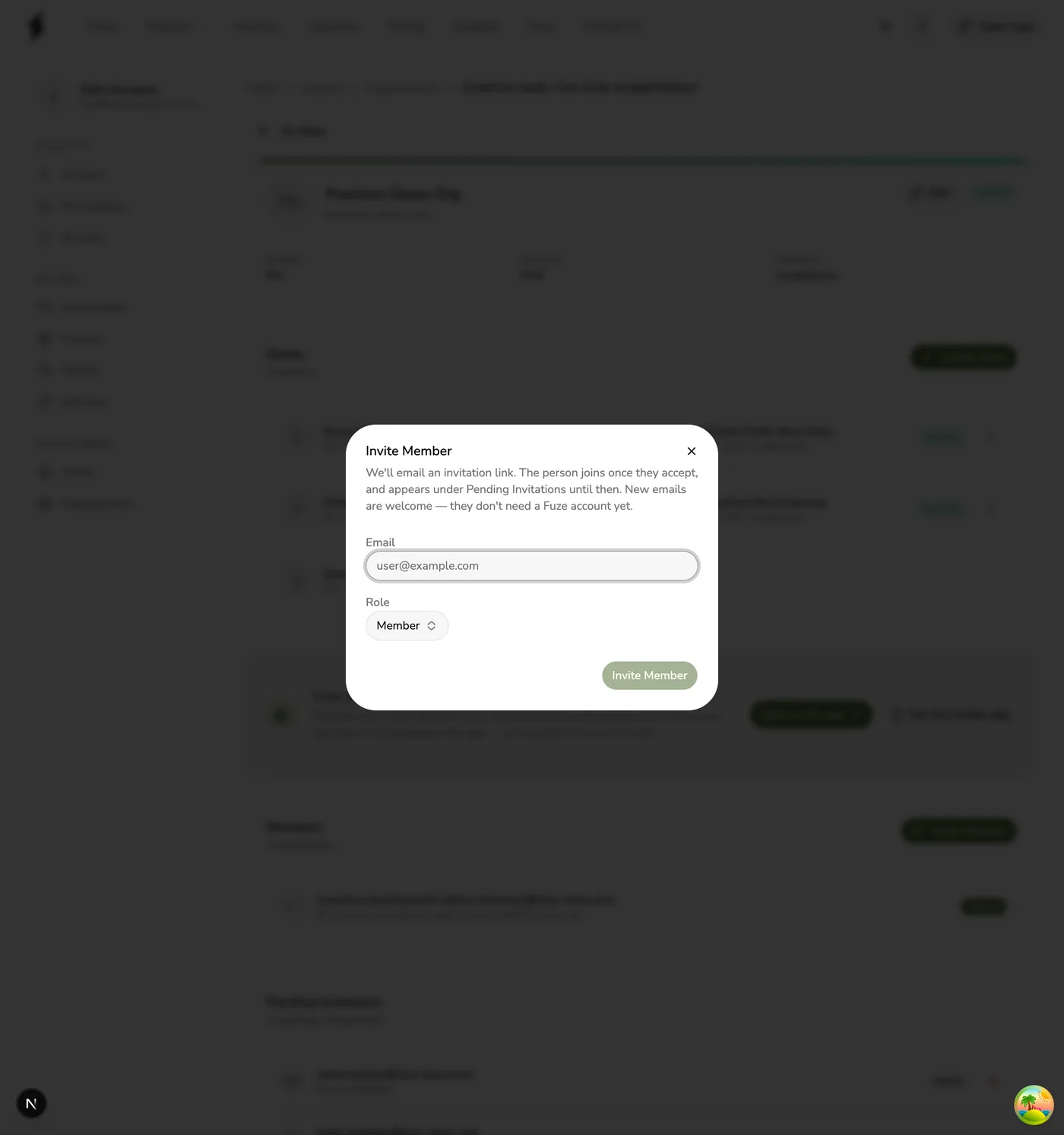
The invited person receives an email with a link to accept the invitation. If they don't have a Fuze Store account yet, they can create one with the same email address and then accept. Invitations expire after 72 hours, and the invitee only joins once they accept — until then they appear under Pending Invitations.
An invite carries an email address and an organization role — nothing else. If the person also needs to be staff on a particular store, add them to that store separately once they have accepted. (Owners and admins do not need this; they reach every store automatically.)
Pending Invitations
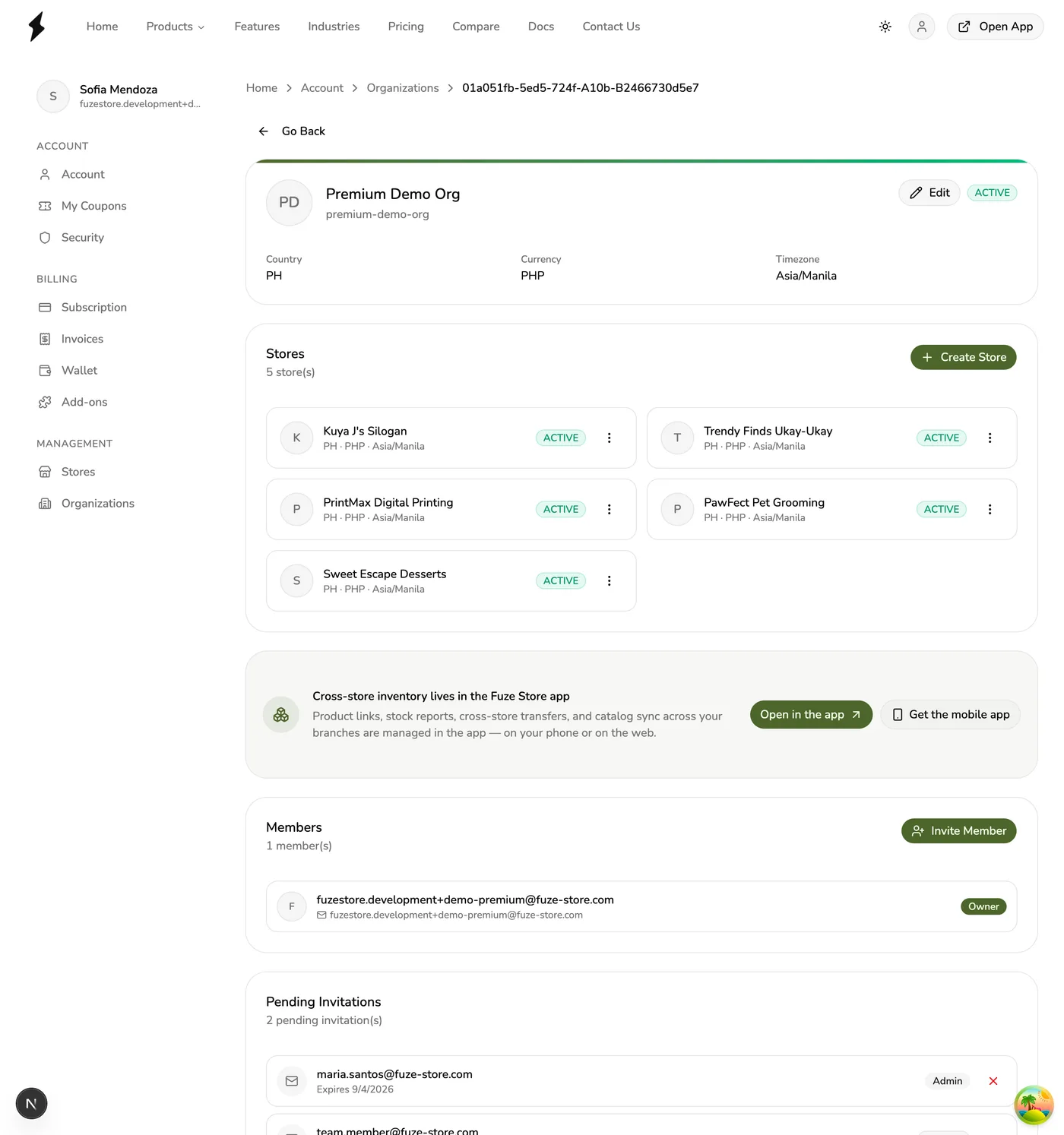
You can view pending invitations on the organization detail page. From there you can:
- Cancel an invitation (removes it permanently)
- Resend an invitation — in the Fuze Store app only; the website offers Cancel alone
Member Role Reference
| Role | Store Access | Billing Access | Manage Members |
|---|---|---|---|
| Owner | All stores (full) | Yes (view + pay) | Yes |
| Admin | All stores (full) | View only | Yes |
| Member | Manual per-store only | No | No |
| Billing | Manual per-store only | Yes (view + pay) | No |
Owners and admins bypass store-level permissions
Owners and admins automatically access all stores under the organization. They
are not listed in any store's staff list, but they can perform any action on
any store. This cannot be restricted.
Updating a Member's Role
Changing a member's role is done in the Fuze Store app — the website's Members card offers Invite and Remove only.
- Open the organization and find the member on the Members card.
- Press Change Role and select the new role.
- Confirm the change. It takes effect immediately.
Role assignment rules
Only owners can assign the Admin or Owner role. Admins can assign Member or Billing roles. You cannot change your own role.
Removing a Member
- Open the organization and go to the Members tab.
- Find the member you want to remove.
- Press the Remove button next to their name.
- Confirm the removal.
Removing a member revokes their organization-level access. If they were also manually added as staff to individual stores, that store-level access remains unaffected.
Owner protection
The organization owner cannot be removed. If you need to transfer ownership, promote another member to owner first.