

Organization Invoices
Organization invoices are consolidated billing records for the entire organization. They are separate from individual store invoices.
How Organization Billing Works
When stores are linked to an organization, their billing is consolidated under the organization's subscription:
- The organization has its own subscription that covers all linked stores.
- Each store's billing migrates to the organization subscription at the next billing cycle after being linked.
- Invoices are generated for the organization as a whole, not per individual store.
- If a store is unlinked, its billing returns to the owner's personal subscription at the next billing cycle.
Who Can Access Invoices
| Action | Owner | Admin | Billing | Member |
|---|---|---|---|---|
| View invoices | Yes | Yes | Yes | No |
| Download PDF | Yes | Yes | Yes | No |
| Pay invoices | Yes | No | Yes | No |
| Manage payment method | Yes | No | Yes | No |
Admins cannot pay
Organization admins can view and download invoices but cannot make payments or manage payment methods. Only owners and billing members can process payments.
Viewing Invoices
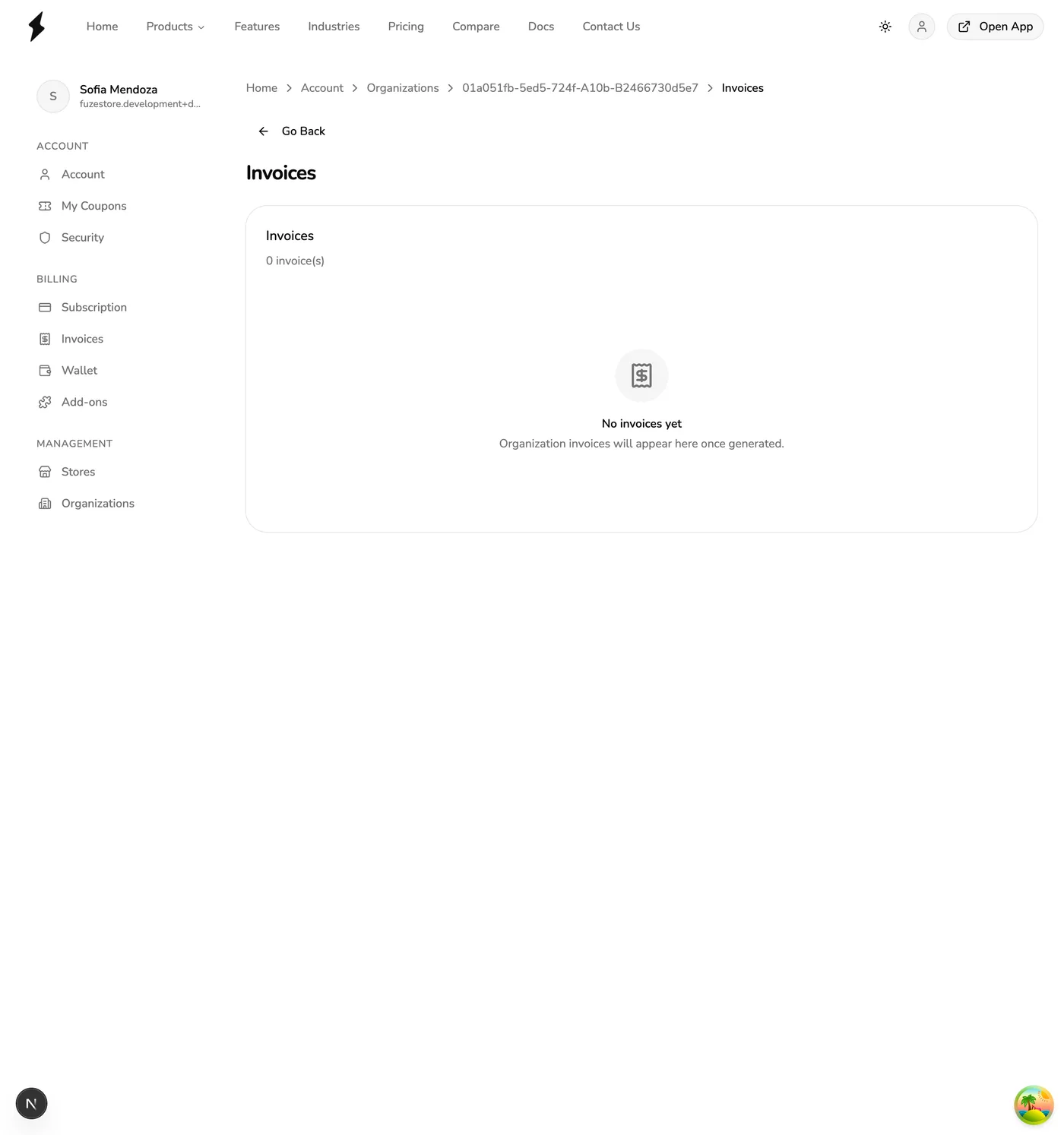
The invoice list shows:
- Invoice number
- Billing period
- Total amount
- Payment status (Paid, Pending, Overdue)
Paying an Invoice
- Open the invoice detail page.
- Press Pay Invoice.
- Select a saved payment method.
- Confirm the payment.
Payments are processed through your saved payment methods. If you do not have a payment method on file, add one using the payment method management option first.
Payment Method Management
Organization owners and billing members set the payment method used for organization invoices. The organization payment method is separate from your personal subscription payment method.
Paused during Early Release
No payments are processed during Early Release and payment methods cannot be added, so organization invoices cannot be paid yet. Organizations themselves are also unavailable during Early Release — see Organizations Overview.
Grace Period and Store Suspension
If an organization invoice payment fails, the following happens:
- Grace period begins. You have 7 days to make the payment.
- Grace period expires. If payment is not received within 7 days, all stores linked to the organization are suspended.
- Stores are suspended. Suspended stores cannot process transactions. Staff can still log in but cannot perform sales or other operations.
Suspension affects all linked stores
When the grace period expires, all stores under the organization are suspended — not just the stores that generated the unpaid charges. Pay the outstanding invoice promptly to avoid disruption.
Reactivation After Suspension
Once the overdue payment is cleared:
- All suspended stores are reactivated automatically.
- No manual action is needed to restore store access.
- Transactions can resume immediately after payment is processed.
Downloading an Invoice
Press the Download button next to any invoice to get a PDF copy. The download link is temporary and expires after a short time.