

Deleting an Organization
Only the organization owner can delete an organization. This action cannot be undone.
Before You Delete
If the organization's wallet still has credit, deletion is blocked — you'll be asked to use up the balance first so your prepaid credit isn't lost.
Spend the balance down before you delete
There is currently no way to move pooled credit back out to a store, so an organization holding Wallet credit cannot be deleted until that credit is spent. Plan for this before you fund a pool you may want to dissolve, and contact support if you are stuck with a balance you cannot spend.
How to Delete
1
Go to Account and open Organizations.
2
Select the organization you want to delete.
3
Scroll to the bottom and press Delete Organization.
4
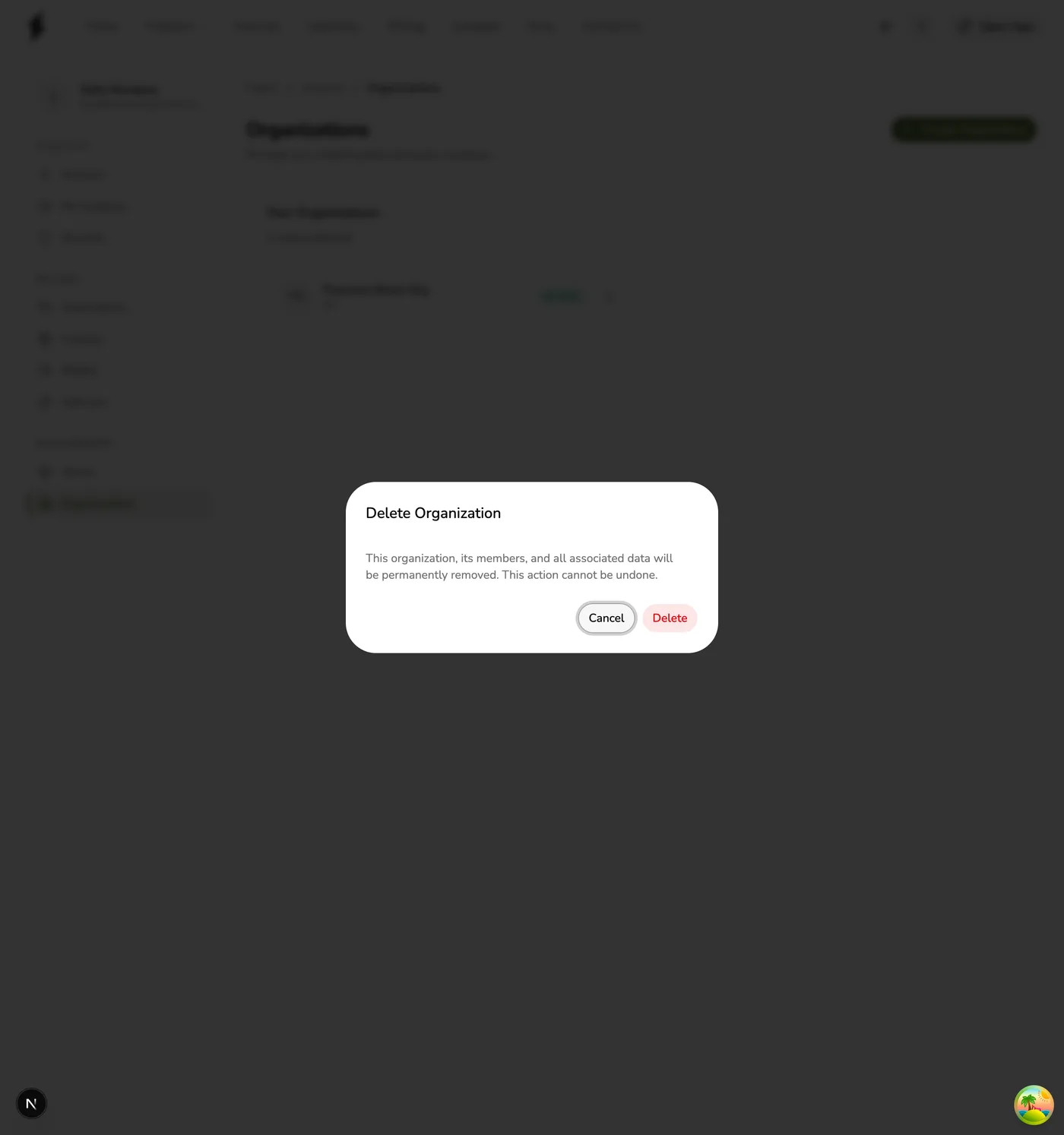
Confirm the deletion in the dialog.
What Happens When You Delete
- The organization is removed from your account and can no longer be opened.
- All members lose their organization-level access.
- Linked stores are not deleted. They continue to operate independently.
- Store billing migrates back to your personal subscription at the next billing cycle.
- The organization subscription is canceled.
- If members were also added as staff to individual stores, that store-level access remains unaffected.
This cannot be undone
Deleting an organization is permanent. Make sure you no longer need the organization before proceeding.