

Item & Category Reports
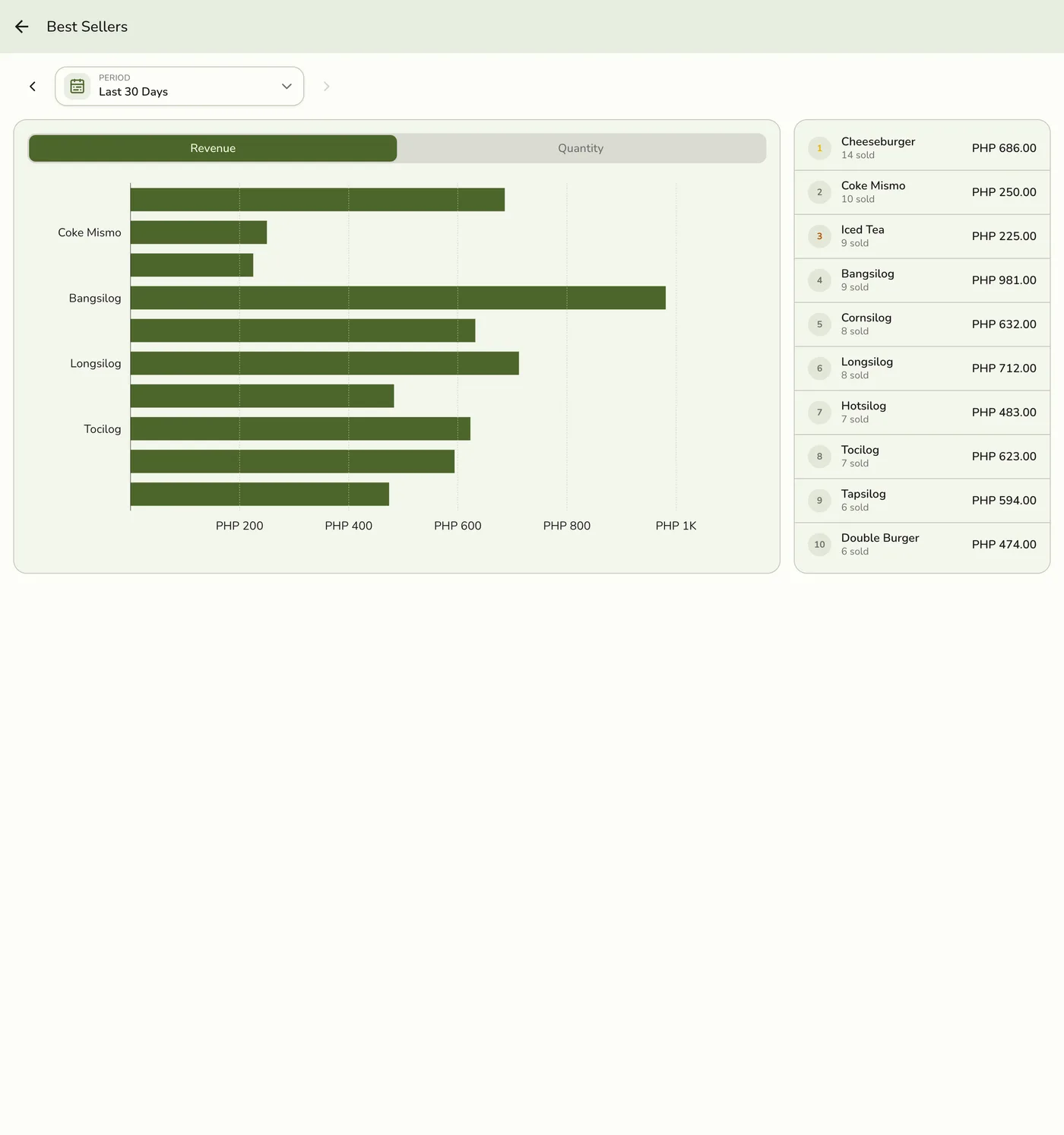
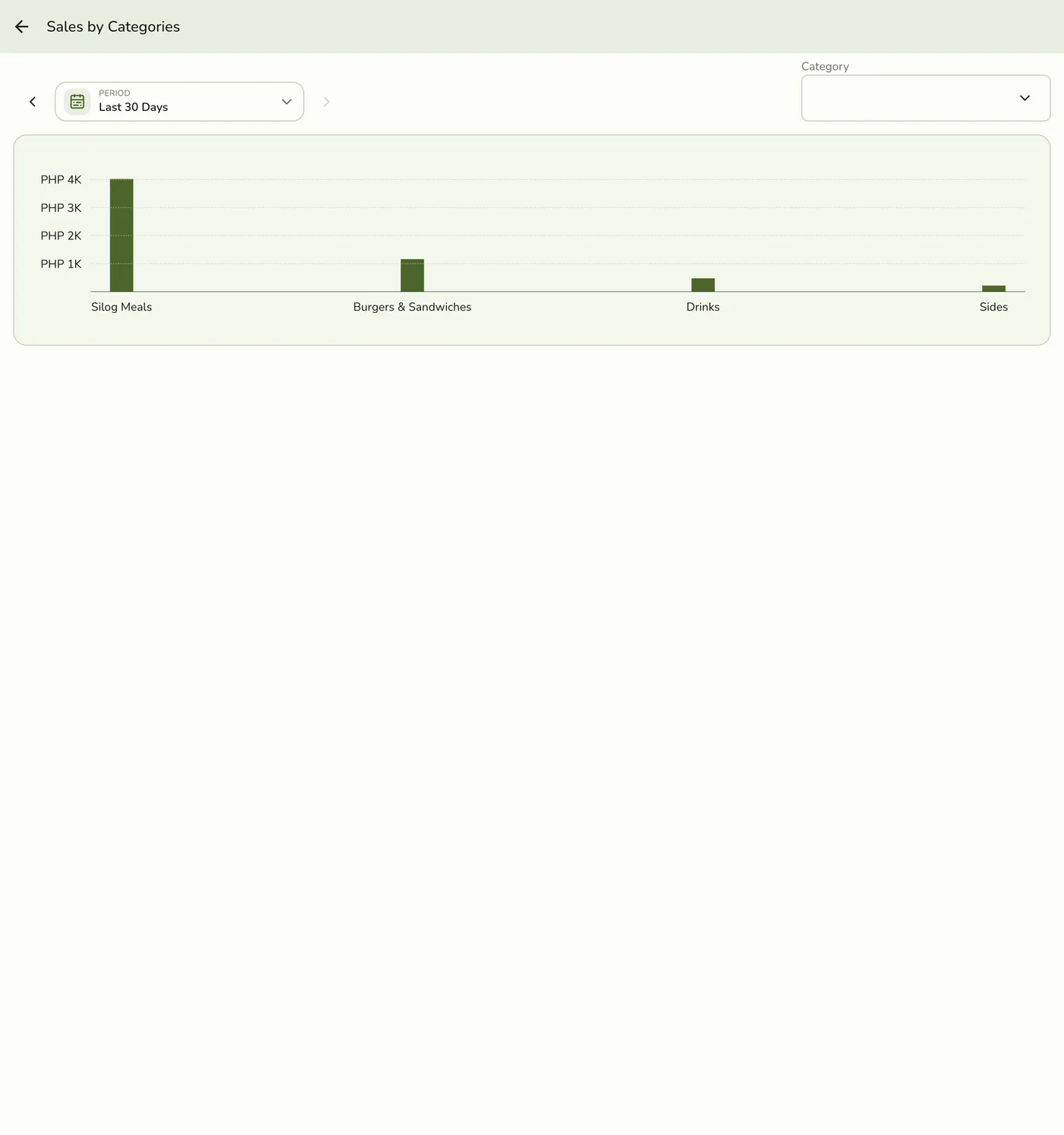
There is no single hub card named “Item Report.” Product performance is split across two cards:
| Hub card | Tier | Plan |
|---|---|---|
| Best Sellers | Reports Basics | Starter and up |
| Sales by Categories | Reports Advanced | Lite and up |
Best Sellers (Basics)
- Drawer → Reports → Best Sellers.
- Choose a period (Monday-start weeks).
- Review top products/services by units and revenue for that window.
Sales by Categories (Advanced)
Paid plan required. Reports (Advanced) is available on the Lite plan and up. It is not included on the free Basic plan. View plans
- Drawer → Reports → Sales by Categories.
- Choose a period.
- Review revenue grouped by catalog category.
On Starter, the category card is hidden from the hub (not a soft empty state).