Logo

Sales Report

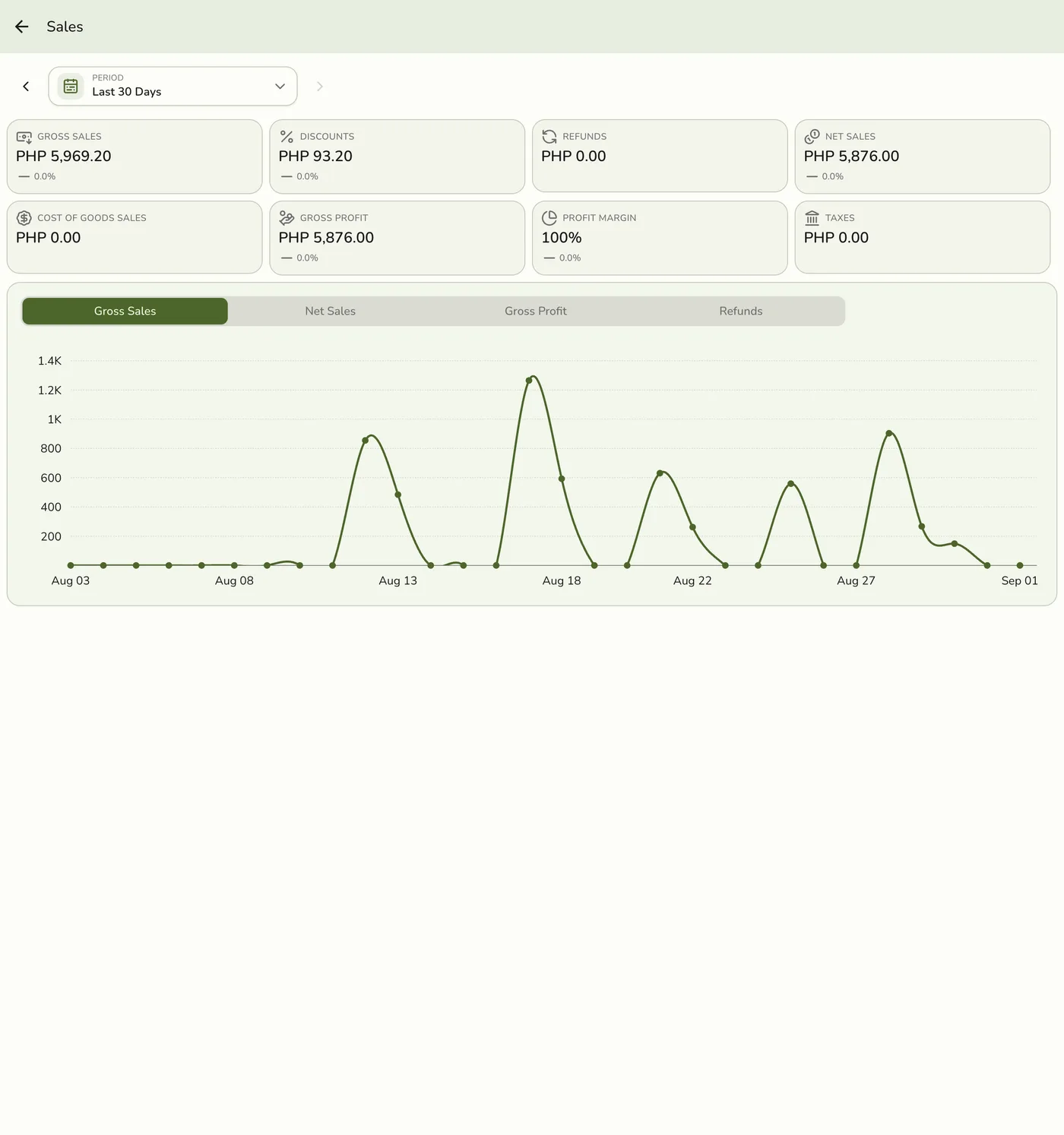
The Sales Report shows your revenue over time. You can use it to see how much your business earns across different periods.

What the Sales Report Shows

The report gives you a clear picture of your sales performance.

MetricDescription
Total RevenueThe sum of all completed sales in the selected period.
Number of OrdersHow many orders were placed.
Average Order ValueTotal revenue divided by the number of orders.
ComparisonHow the current period compares to a previous one.

Choosing a Date Range

You can view your sales data for any period you choose.

  • Today -- Sales from the current day.
  • This Week -- Sales from the past seven days.
  • This Month -- Sales from the current month.
  • Custom Range -- Select any start and end date.

Viewing Breakdowns

You can switch between different time breakdowns to see your data in more detail.

  • Daily -- See revenue for each day in the selected range.
  • Weekly -- Group revenue into weekly totals.
  • Monthly -- View revenue summarized by month.

This helps you spot patterns like busy days or slow weeks.

Comparing Periods

Select two periods to compare side by side. For example, compare this month to last month to check if revenue is growing.

The report highlights increases and decreases so you can see changes quickly.

Tips for Using the Sales Report

  • Review weekly to catch trends early.
  • Compare month over month to track long-term growth.
  • Use daily breakdowns during promotions to measure impact.
  • Export the data if you need to share it with your team.