

Booking & Staff Availability
Slots and overlapping bookings depend on your event services, optional staff assignment, and booking policies — not on a separate “availability calendar” product.
Booking itself (creating appointments and reservations) is available on Starter and up, but the Event Services catalog and the staff-availability lookup on this page need Lite or higher. On Starter you can still take reservations; appointments need a bookable service, so they need Lite.
Event services
Manage bookable offerings from the drawer → Event Services (catalog of services customers book as appointments). Each service can define duration and attached items for POS check-in.
Staff on appointments
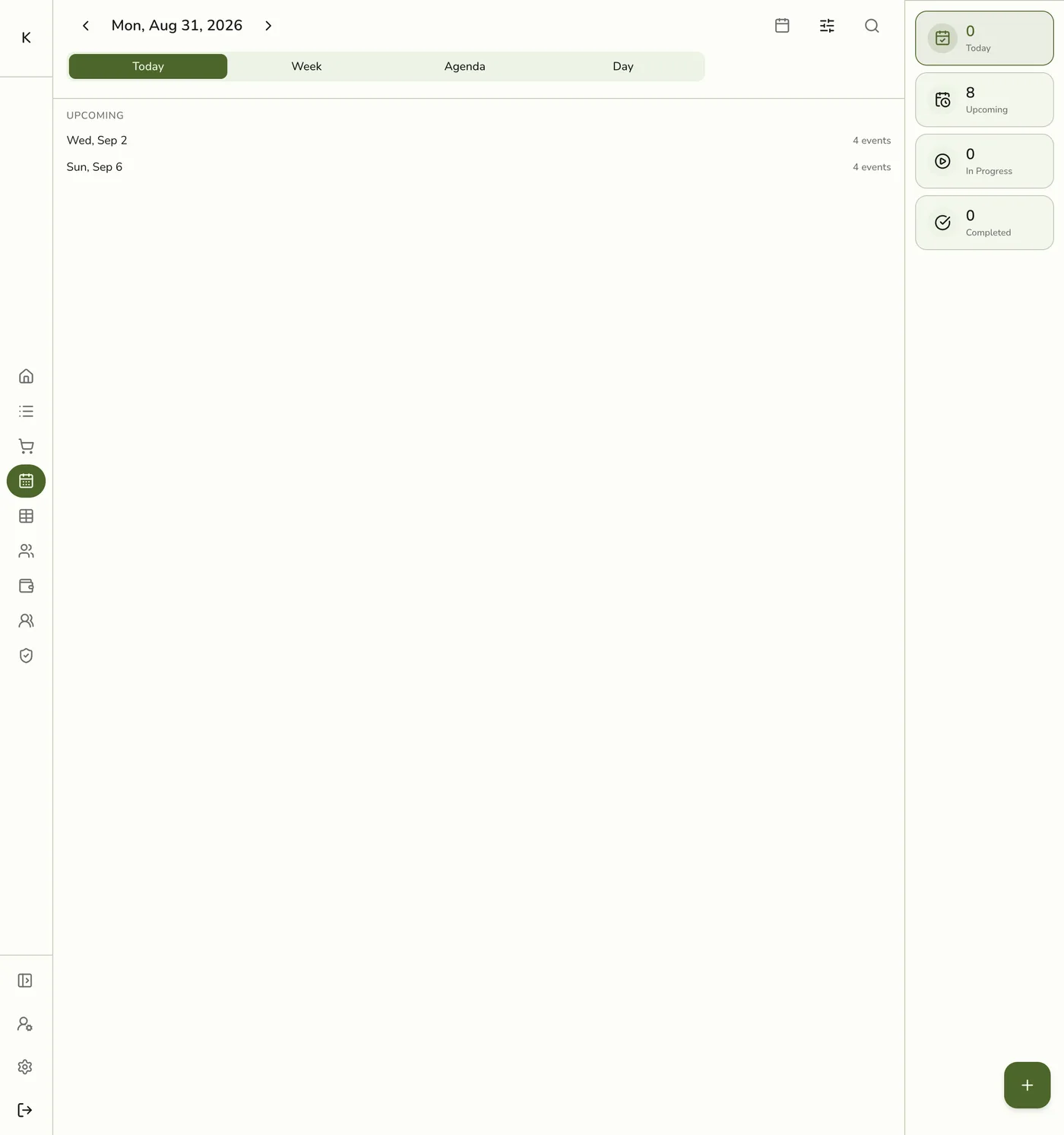
When you assign staff on an appointment, the schedule avoids overlapping non-terminal appointments for that staff member. Leaving staff empty allows any available provider subject to store rules.
Units on reservations
Assigning a unit (table/room) blocks overlapping non-terminal reservations on the same unit. Leave unit empty when seating is flexible.
Booking policies
In preferences, set:
- Minimum lead time before a booking can start.
- Maximum advance days customers (or staff) can book ahead.
- Cancellation window and optional fee (see Canceling an Event).
Create and edit flows enforce these at save time for typed services.
Times and timezones
Event times are stored in UTC and shown in your store’s timezone on the calendar and forms. Use the store clock when reading “today” or slot lists.