

Export Overview
Use Export to download a spreadsheet of an entity type for backup, editing offline, or as a sample for Import.
Paid plan required. Export is available on any paid plan (Starter and up). It is not included on the free Basic plan. View plans
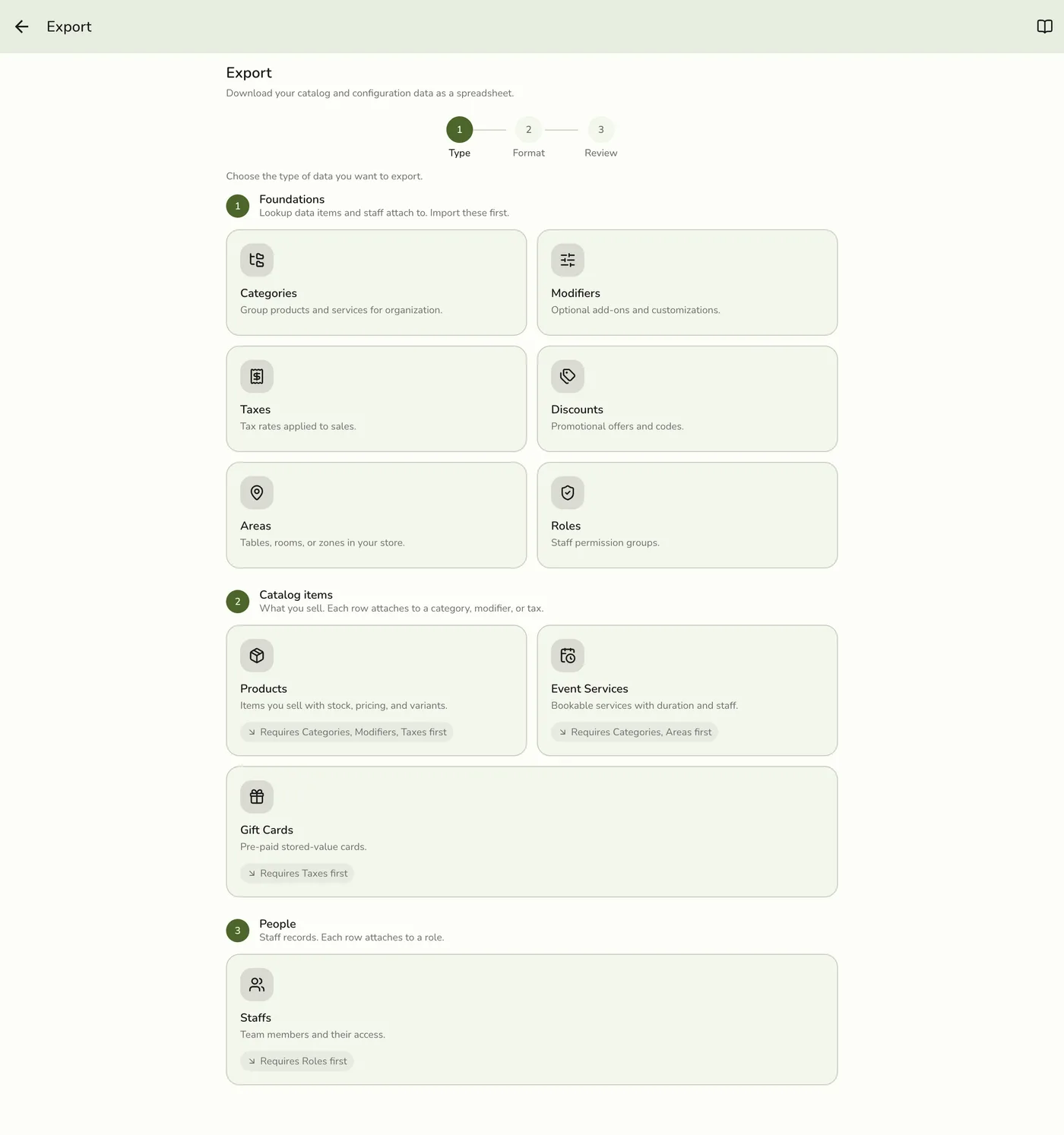
Where to open it
- Open the app drawer.
- Go to Configurations.
- Under Data Management, tap Export.
How the wizard works
- Pick a type — the same 10 types as Import (locked types stay dimmed).
- Pick a format — CSV, XLS, or XLSX.
- Review — confirm, then download the file.
What you can export
Categories · Products · Event services · Modifiers · Taxes · Discounts · Areas · Roles · Gift cards · Staff.
Not available: Customers, Services as a separate type (services are part of your catalog and are managed with Products), and Product stocks as a standalone export (removed — stock lives with inventory tooling / product fields).
An export is also what Download template hands you on the Import screen, so every file you export here can be edited and imported straight back.